Signing Up with Shopify
For businesses already running on Shopify — sign up directly with your store and get your company details, integration, and locations imported automatically. - choosing-how-to-sign-up - signing-up-with-email - signing-up-with-google-or-microsoft
What It Is
For businesses already running on Shopify, sign up directly with your store. This is the only signup method that also sets up your integration and imports your locations automatically, all in the same step.
How It Works
On the Sign Up page, choose "Continue with Shopify" and enter your store's
.myshopify.comname.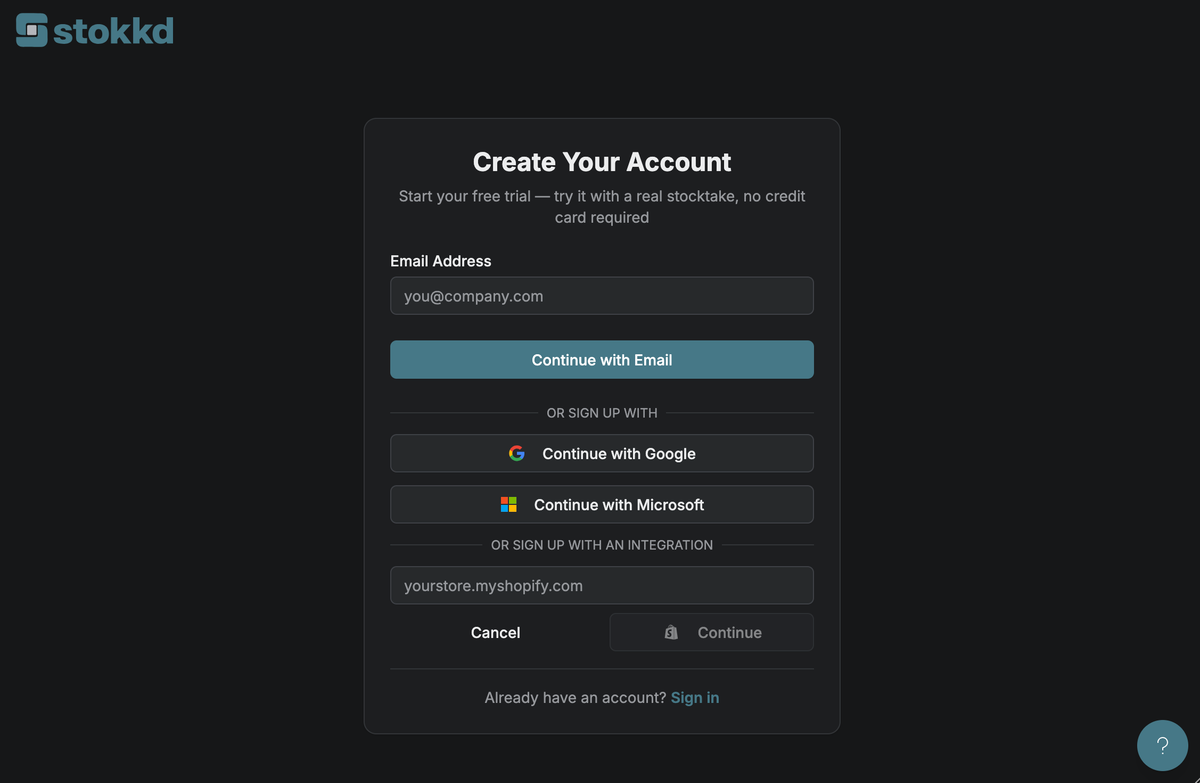
You're redirected to Shopify to approve access.
You're redirected back to Stokkd, already signed in — no password to set.
Your company details (name, contact email, address, phone, country, currency) and your Shopify integration connection are already filled in — review your imported store locations before finishing.
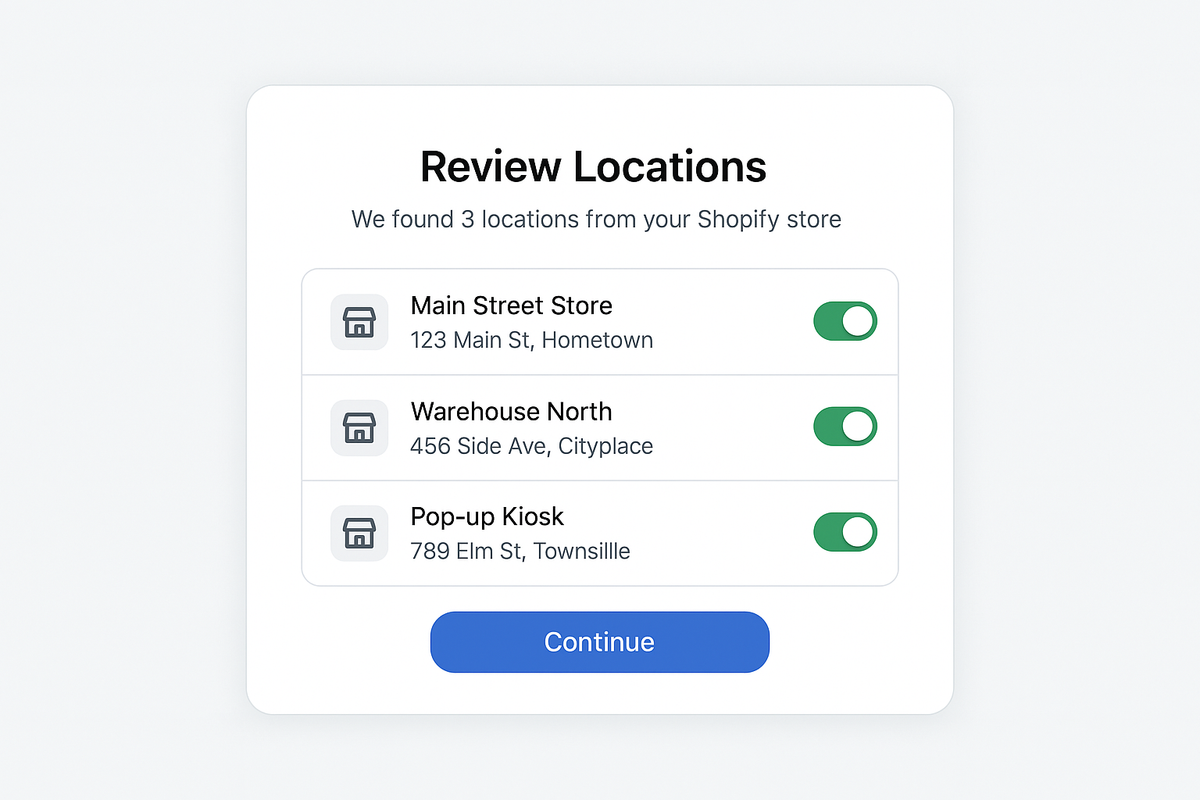
What Gets Imported Automatically
- Company name, contact email, address, phone, country, and currency — from your Shopify store profile
- Your Shopify integration connection — already connected, no separate setup step later
- Your store's locations — imported as sites, ready to review
Key Settings
- Already registered? if your Shopify store's email is already registered with Stokkd, you'll be directed to sign in instead.
- Previously removed store: if this Shopify store was previously registered and later removed, contact support — you won't be able to sign up again with the same store automatically.
Best Practices
- This is the fastest path if your business already manages inventory in Shopify — you'll skip company details and the Manual/API choice entirely and go straight to reviewing your imported locations.