Signing Up with Email
The standard way to create a Stokkd account: enter your email, confirm it via a link we send you, then set your name, password, and company name. - choosing-how-to-sign-up - signing-up-with-google-or-microsoft - signing-up-with-shopify
What It Is
Email is the standard signup path: enter your email address, confirm it via a link sent to your inbox, then set up your account with a name, password, and company name.
How It Works
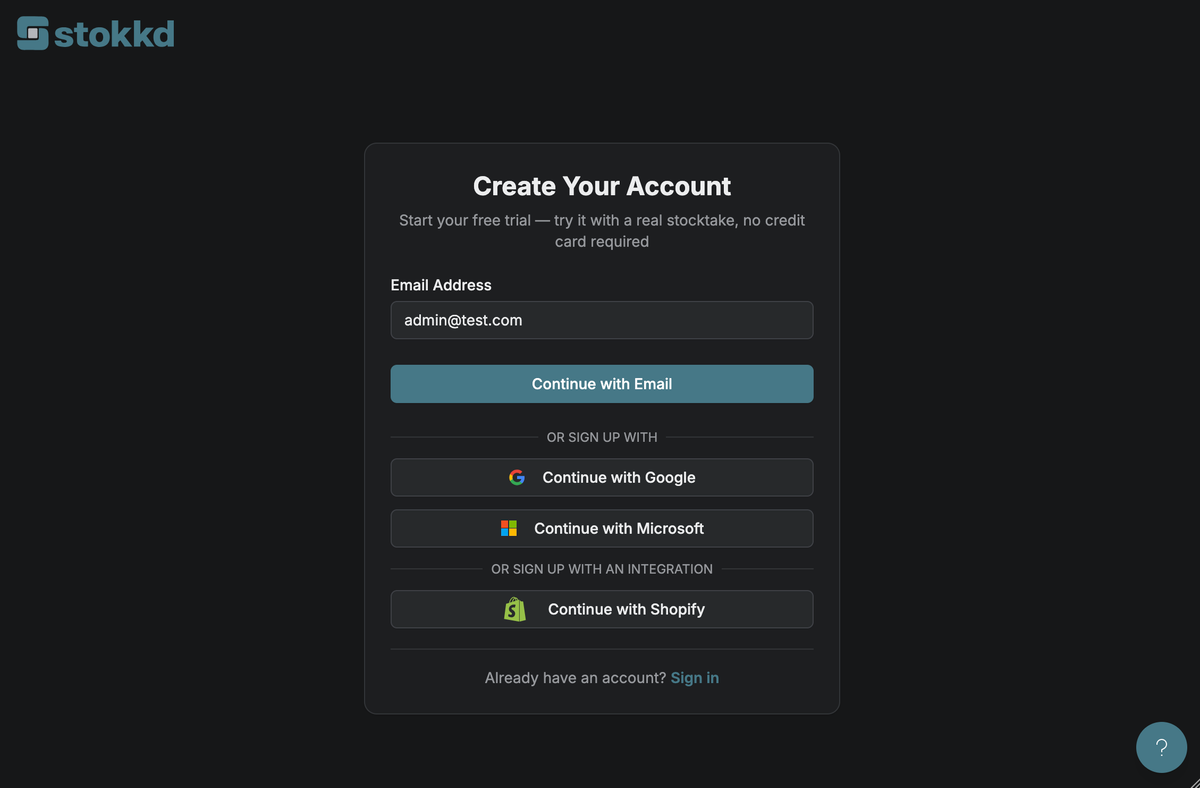
Go to the Sign Up page and enter your email address — no name or password yet.
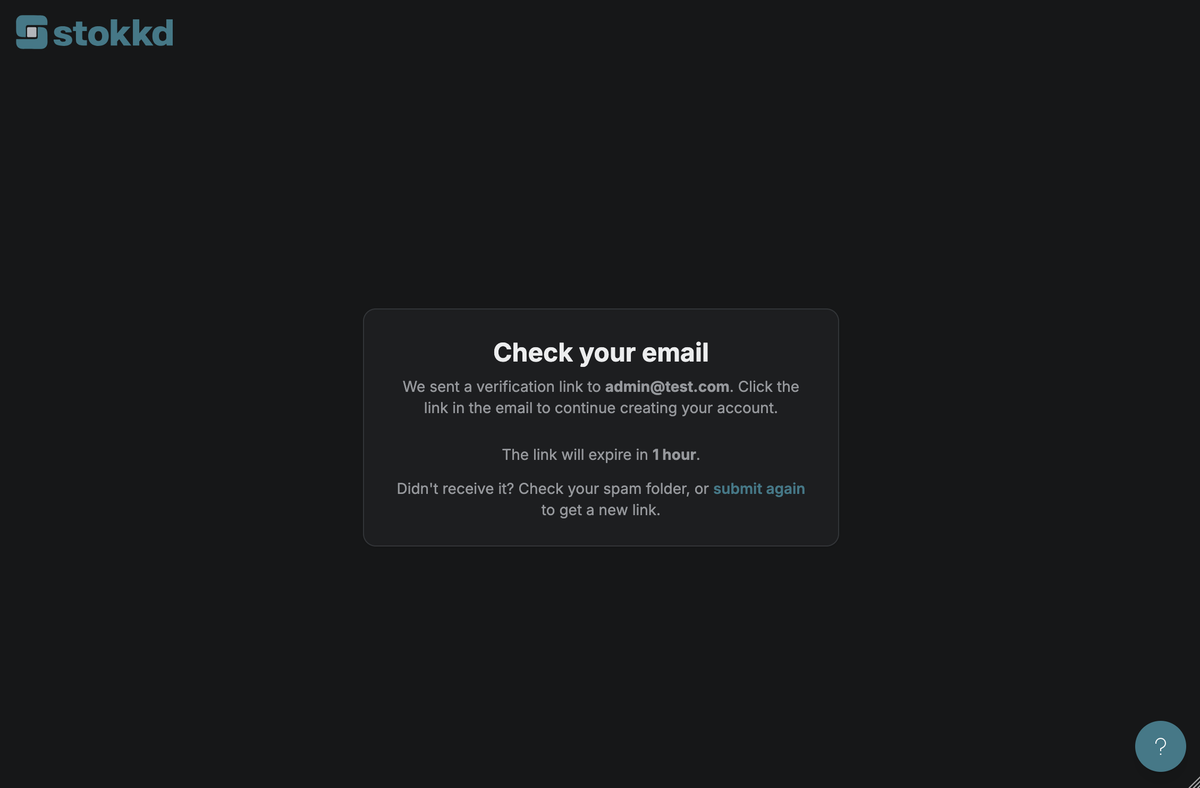
Check your email for a confirmation message and click the link.
You'll land on a form asking for your first name, last name, password, and company name.
Submitting creates your account and signs you in automatically — you're taken straight to Company Details (onboarding step 2).
Key Settings
- Link expiry: the confirmation link expires after 1 hour. If it's expired, go back to the Sign Up page and enter your email again to get a new one.
- Already registered? if the email address you enter is already registered, you'll be told at signup and can sign in instead.
Best Practices
- Use a work email you check regularly — the confirmation link is the only way to continue past the first step.
- If the email doesn't arrive within a few minutes, check your spam folder before requesting a new link.