Areas
A stocktake's inventory is counted in smaller units called areas. Learn why stocktakes are divided into areas, how area locking prevents duplicate counting, and how areas behave differently across count methods and stocktake types.
Overview
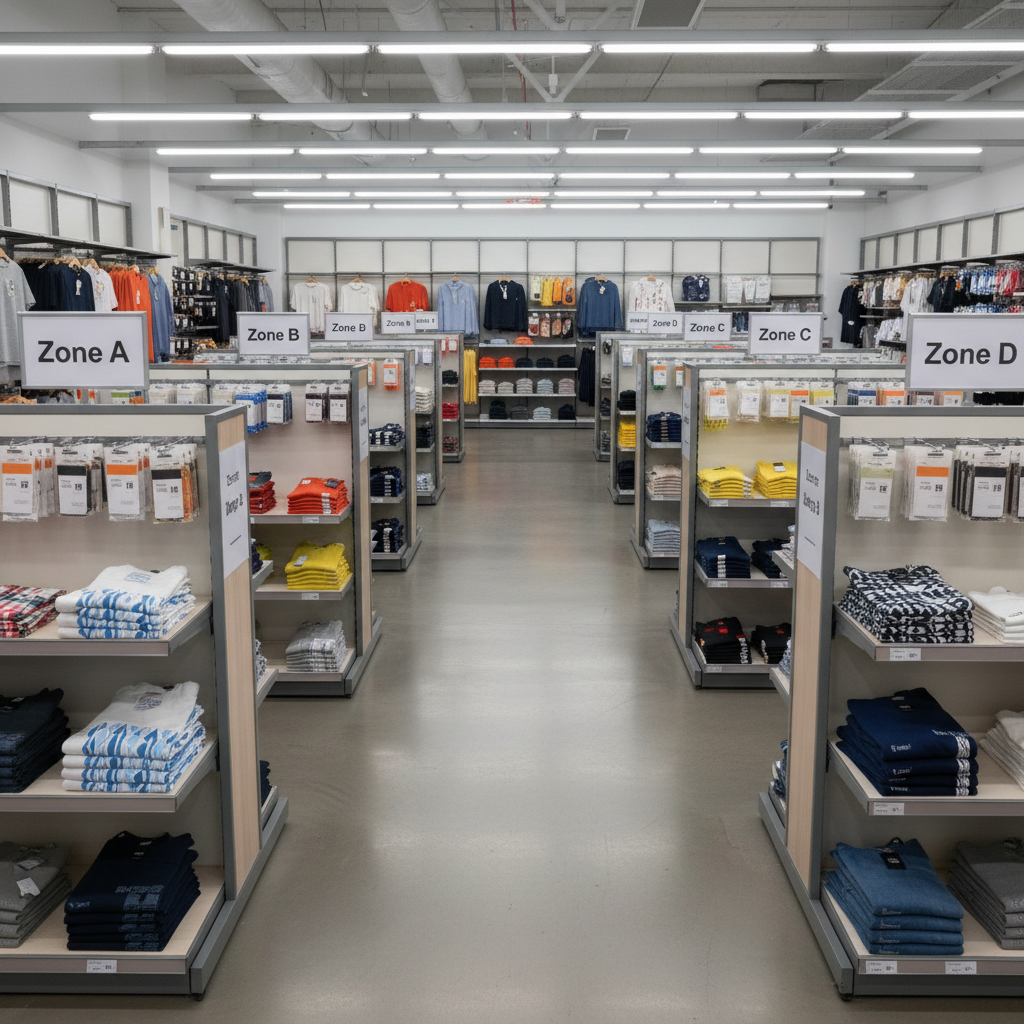
Another of Stokkd's unique features. A stocktake's inventory is counted in smaller units called areas. Instead of one person working through an entire site's stock as a single list, the stocktake is divided into areas — each one counted, locked, and tracked independently.
Why Stocktakes Are Divided Into Areas
- Parallel counting — different people or devices can count different areas of the same stocktake at the same time, instead of waiting for one person to finish the whole site.
- Progress tracking — each area has its own status, so the dashboard can show exactly how much of the stocktake is complete and which sections remain.
- Conflict prevention — an area is locked to the device currently counting it, so two counters can't accidentally scan the same area and overwrite each other's work.
- For double count stocktakes, the "Count Errors" review feature becomes available for an area as soon as the second count is locked.This means that review can begin while the count is still underway. The time-saving aspect of this cannot be understated.
Area Types
Stokkd currently supports one area type:
- Zone — a named physical or logical section of the site (for example "Warehouse A" or "Shop Floor"), created before or during counting.
A second type, Bin Location, is planned for a future release to support precise shelf/bin-level counting, but is not yet available for use.
Area Status Lifecycle
Every area moves through a simple lifecycle as counting progresses:
| Status | Meaning |
|---|---|
Incomplete |
The area exists but no counts have been recorded yet |
In Use |
A device currently has this area locked and is actively counting |
Complete |
Counting is finished for this area |
Reviewed |
Count discrepancies for this area have been checked and approved |
Area Locking
When a counter starts working on an area, Stokkd locks it to their device so no one else can count it at the same time. This lock is tied to a device fingerprint, not just a user account — so the same person switching devices mid-count will be prompted about the existing lock.
Locks are released automatically once counting for that area is finished. If a device loses connection, crashes, or is closed mid-count, the area can remain locked with no one actively working on it — an administrator or supervisor can unlock it manually so it becomes available again.
Areas and Double Count
When a stocktake uses the Double Count method, every area must be counted twice — independently — before it is marked Complete. The two passes (Count 1 and Count 2) are compared, and any items that don't match become Count Errors that must be resolved for that area before the stocktake can move on to variance review. See Count Types for more on Single vs Double counting.
Areas and Stocktake Type
Areas work slightly differently depending on the stocktake type:
- Full stocktakes — areas can cover any part of the site; every area must eventually be scanned to account for the entire site.
- Partial stocktakes — areas are still used to organise counting, but only products within the categories selected for that stocktake are in scope.
- Adjustment stocktakes — areas are not used at all. Adjustment stocktakes skip the area-based workflow entirely in favour of direct, targeted corrections.
Best Practices
- Plan your area structure before counting begins — a clear, consistent naming convention makes it easier for counters to find their assigned area.
- Keep areas a manageable size. Very large areas with thousands of items are harder to finish in one session; splitting into smaller zones improves throughput and makes progress easier to track.
- Unlock stuck areas promptly. A device that disconnects mid-count leaves its area locked until someone with the right permissions releases it.
- Remember double count doubles the area requirement — every area needs two independent passes, so factor this into how you assign counters.